Authentication: sign-in, credentials and account protection
Authentication checks whether someone or something can demonstrate control of the credentials associated with an identity. It supports a decision about access; it does not guarantee that the person, device or session is trustworthy in every circumstance.
Start with the accounts that could cause the most harm: email, administrators, payment approval and remote access. Strong sign-in is useful only if enrolment, recovery and the session that follows are also protected.
Reviewed: 26 October 2026.
Identity, authentication and authorisation
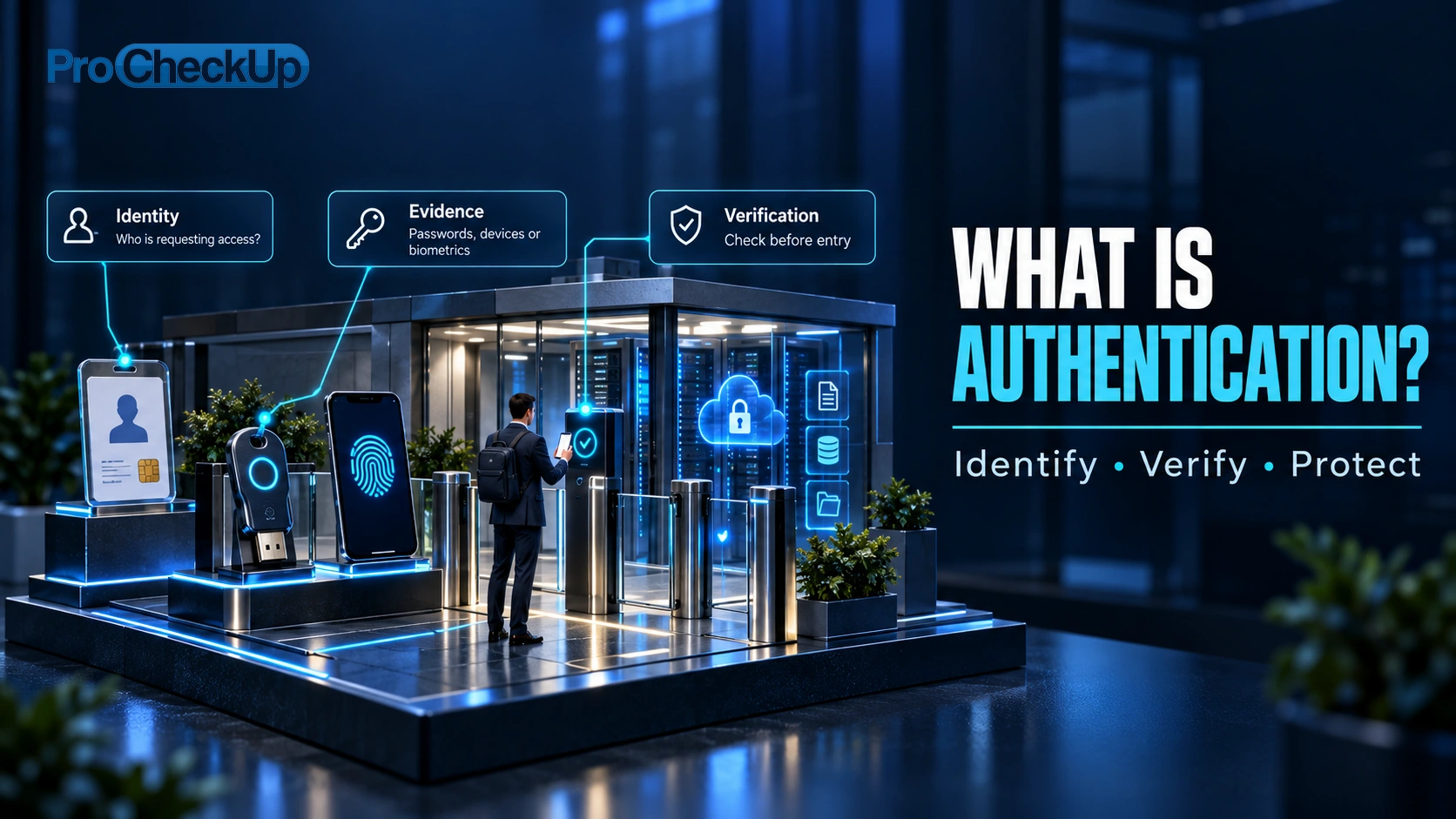
These terms describe different checks:
- Identification — who are you? A person, service or device supplies a username or other identifier.
- Identity proofing — what evidence supports that identity? Where needed, check that a person is who they claim to be, usually when they first register.
- Authentication — can you prove this account is yours? Check a password, passkey or other sign-in evidence.
- Authorisation — what are you allowed to do? Check which records and actions the account may access.
Signing in does not give someone permission to do everything. For example, an employee may submit an expense claim but must not approve their own payment or view another customer’s records. The application must check permissions on its server whenever someone tries to access a record or perform an action.

Choose appropriate sign-in methods
| Method | What it provides | What still needs attention |
|---|---|---|
| Password | A shared secret; use unique passwords and a password manager. | Credential reuse, phishing, guessing and exposed password stores. |
| MFA | More than one distinct factor, such as a password and possession of a registered device. | Two passwords are not two factors. Codes and approval prompts can still be phished or socially engineered. |
| Passkey or security key | Public-key authentication bound to the legitimate service; suitable implementations resist credential phishing. | Device enrolment, synchronisation, lost devices, fallback methods and session theft. |
| Single sign-on / federation | An identity provider authenticates users for connected services. | Protect the identity provider, restrict application permissions and plan for provider outage or compromise. |
| Service or device identity | Certificates, managed workload identities or other credentials for non-human access. | Inventory owners, narrow privileges, rotation and secure storage; avoid shared long-lived secrets. |
Biometrics often unlock a local authenticator rather than being sent to the website. Their use does not remove the need for an accessible, secure recovery path. Choose methods by the sensitivity of the action and user needs, not simply by counting login steps. NIST’s digital authentication guidance explains assurance levels, authenticator management and phishing resistance.
Protect the complete account lifecycle
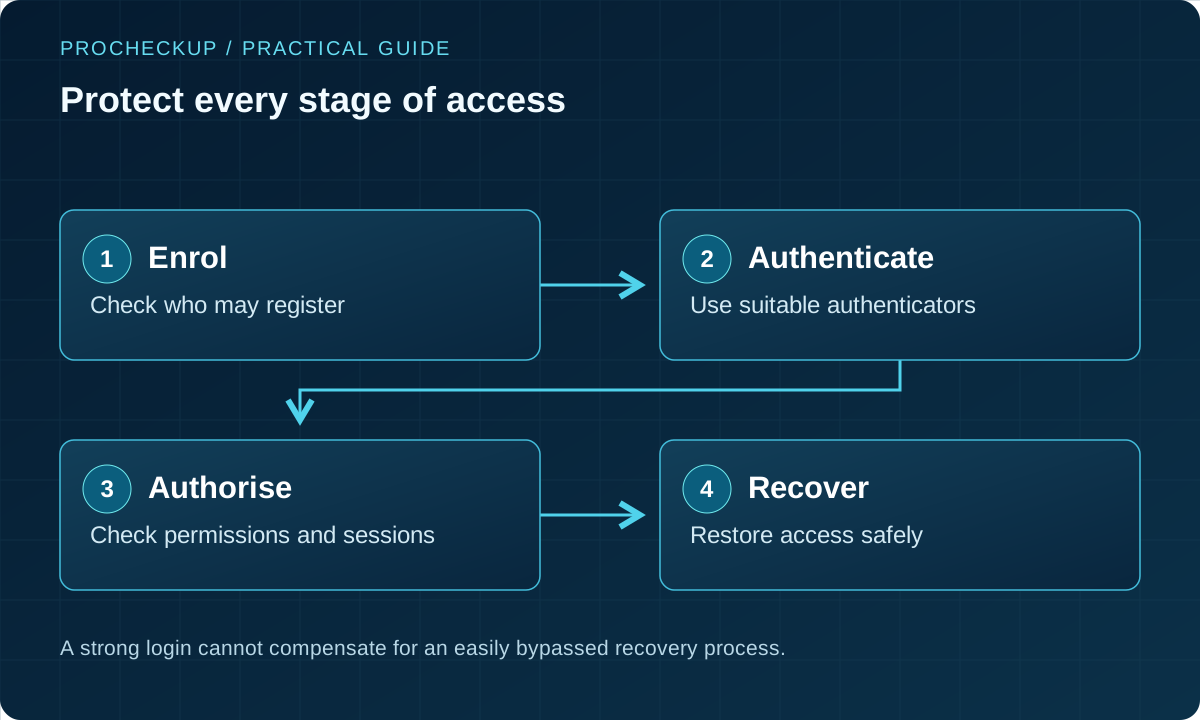
- Enrol: approve new accounts and authenticators through a trusted route. Record an accountable owner for service accounts.
- Grant: give only the access required; separate everyday use from administration. Review privileged and inactive accounts.
- Observe: log relevant sign-ins and sensitive actions. Investigate unusual locations, devices, token use or changes without assuming every anomaly is malicious.
- Recover: verify recovery requests independently. Notify the account holder of sensitive changes and remove obsolete authenticators.
- Revoke: disable access promptly when people leave or accounts are compromised; consider active sessions, tokens, API keys and connected applications as well as passwords.

Sessions, step-up checks and common attacks
After login, a session cookie or token often allows continued access without another password prompt. A stolen session may therefore bypass the normal sign-in experience. Protect transport, cookie settings, token storage, session expiry and logout; reauthenticate for sensitive operations where appropriate.
Use rate limiting and monitoring against automated guessing. Avoid account-lockout designs that make it easy to deny service to legitimate users. Authentication errors should not unnecessarily reveal whether an account exists.
A phishing-resistant authenticator reduces a particular attack path; it does not cure an infected endpoint, insecure application, malicious administrator or stolen authenticated session. Investigations should examine the surrounding account and device, rather than treating a password reset as complete remediation.

Common authentication attacks: what to check
Distinguishing attack types helps teams choose the right control and investigate the right evidence.
| Attack | What happens | Practical protection and verification |
|---|---|---|
| Credential stuffing | Previously exposed username/password pairs are tried at other services. | Use unique passwords, suitable MFA and controls against automated attempts. Test reporting and recovery for an affected account. |
| Password spraying or guessing | An attacker tries a few common passwords across many accounts, or many guesses against one account. | Use appropriate password rules, rate controls and monitoring across accounts. Check that protective measures cannot readily lock every legitimate user out. |
| Phishing or interception | A person is directed to a false sign-in or an intermediary captures credentials or session material. | Validate TLS correctly; prefer phishing-resistant authentication where feasible. HTTPS alone does not identify a trustworthy website. |
| Replay and session theft | Captured authentication messages or bearer tokens are reused. | Use established protocols with appropriate freshness and replay protections, plus secure token handling and revocation. Adding a timestamp to a stolen cookie is not a complete solution. |
Ask which records distinguish these events: sign-in attempts, recovery actions, newly registered authenticators and sensitive changes made after login. Retain only the information needed for a defined security purpose, with controlled access. Interpret risk signals in context; a changed location or typing pattern is not proof of impersonation.
A practical implementation and verification checklist
| Owner | Action | Evidence that it works |
|---|---|---|
| Identity / IT team | Inventory sign-in, privileged access and recovery routes, including SaaS and legacy applications. | Coverage list with named owners and documented exceptions. |
| Application owner | Enforce server-side permissions and protect sessions. | Tests showing one user cannot access another user’s records or perform restricted actions. |
| Service desk | Verify recovery and new-device requests independently. | A rehearsed recovery process that resists impersonation and remains usable. |
| Security operations | Investigate risky sign-ins and revoke compromised access. | A tested alert and containment exercise, including token/session revocation. |
| Management | Prioritise high-impact accounts and time-limit exceptions. | Measured coverage, remediation dates and acceptance of residual risk. |
Pilot changes with representative users, including assistive technology and lost-device scenarios. Keep emergency access controlled and monitored, and test it before relying on it in an outage. Measure coverage and successful recovery, rather than simply the number of MFA licences purchased.
Certificates, tokens and connected-device identities
A one-time-code token, an API access token and a certificate are different mechanisms. A one-time code demonstrates access to an authenticator; an API bearer token may grant access to whoever possesses it; a certificate associates a public key with an identity under a trust model. Their storage, expiry, validation and recovery arrangements differ.
For devices and workloads, record the identity owner, purpose, permitted services and retirement process. Avoid identical factory credentials across a fleet. Protect private keys and enrolment secrets, support credential renewal, and test what happens when a certificate expires or a device is replaced. Remove old trust and access when disposing of equipment.
Where a constrained or legacy device cannot support the preferred mechanism, document the limitation and use an approved gateway or restricted network path where suitable. Such safeguards reduce exposure; they do not turn a weak device identity into strong authentication. Keep a replacement plan and verify the protections with the system owner.
Common questions
Is MFA enough to stop phishing?
No. It improves protection, but codes and push approvals can be captured or manipulated. Prefer phishing-resistant methods where feasible and protect enrolment, recovery, endpoints and sessions.
Does single sign-on make every application equally secure?
No. It centralises important controls but applications still need correct authorisation and session handling. A weak recovery route at the identity provider can affect many connected services.
What should we review first?
Email and privileged accounts, remote access, payment workflows and any public-facing application with sensitive customer data. Include fallback access routes in the review.
Related guidance and assessment
Recognise and respond to phishing · Understand penetration testing · Review security in source code
An assessment can check configuration, recovery, session handling and authorisation against agreed risks. Provide identity diagrams, account roles and representative test accounts so the scope covers more than the visible login screen.
Need Help?

If you have any questions about cyber security or would like a free consultation, don't hesitate to give us a call!
For More Information Please Contact Us
ACCREDITATIONS